DOWNLOAD SOFTWARE
Download TTS-panther drivers, emulators, files, and firmware updates.

A Windows application made to control the TTS-160 Panther Mount remotely from a PC. Easy and quick to set up.
The TTS-160 ASCOM driver allows for control of the mount from software applications using ASCOM.
The latest firmware update for your TTS-160 Pather Original mount. With all the improvements and newest features.
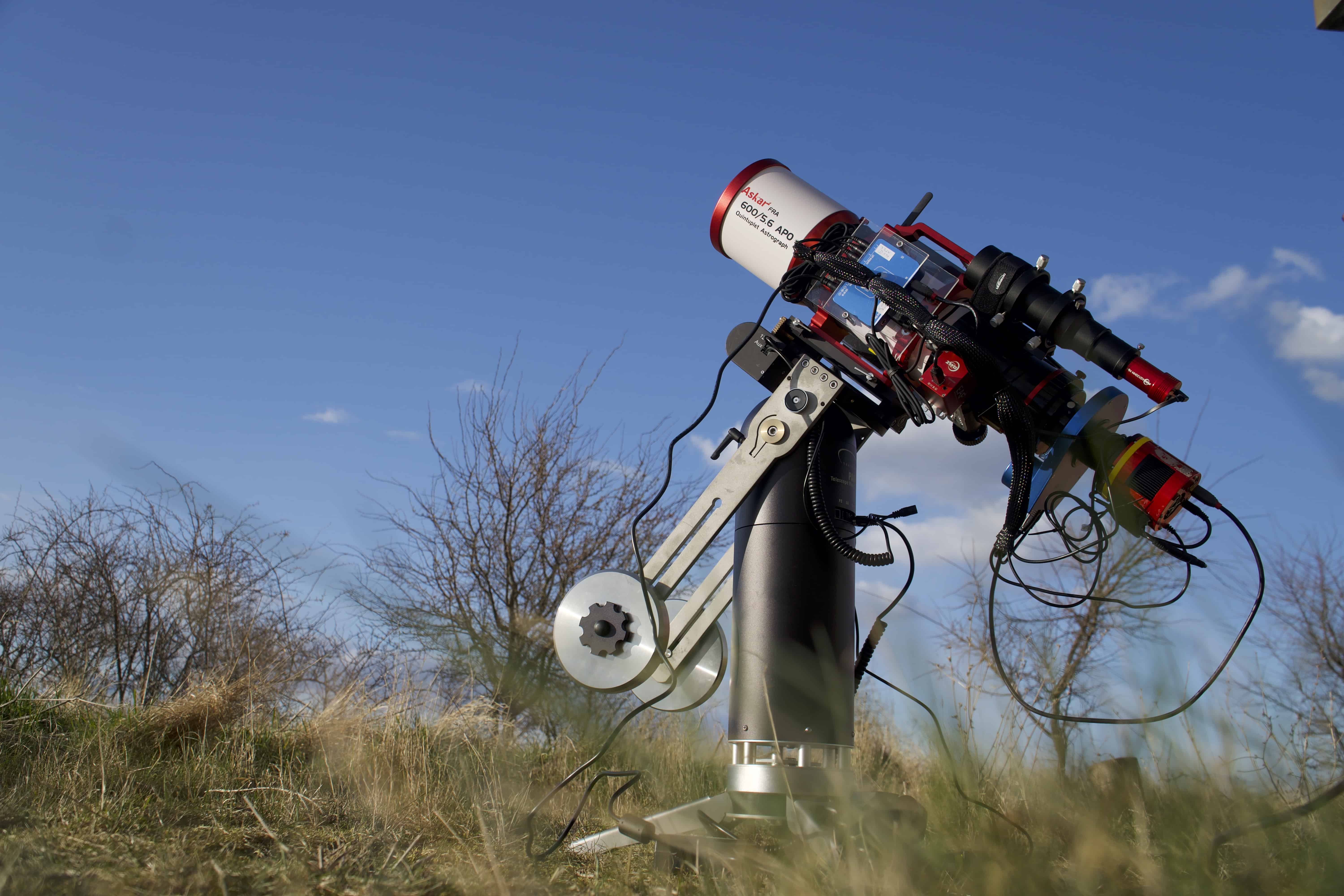
Bringing a PC into the telescope setup complicates things. In most situations, you need the PC to control devices like the imaging camera, guide camera, filter wheel, focus motor etc. All this equipment and the telescope mount are typically connected to the PC using Ascom Drivers.
Reid Smythe developed the driver in cooperation with Track The Stars.
It is now possible to control the mount from your favourite planetarium software such as Sky Safari, Stellarium, Carte du Ciel, and more, as well as from astrophoto tools like NINA, Sequence Generator Pro, Voyager, Sharpcap etc. For Astrophotography, it is possible to set up automated sequences using the Ascom driver for mount control, including guiding.

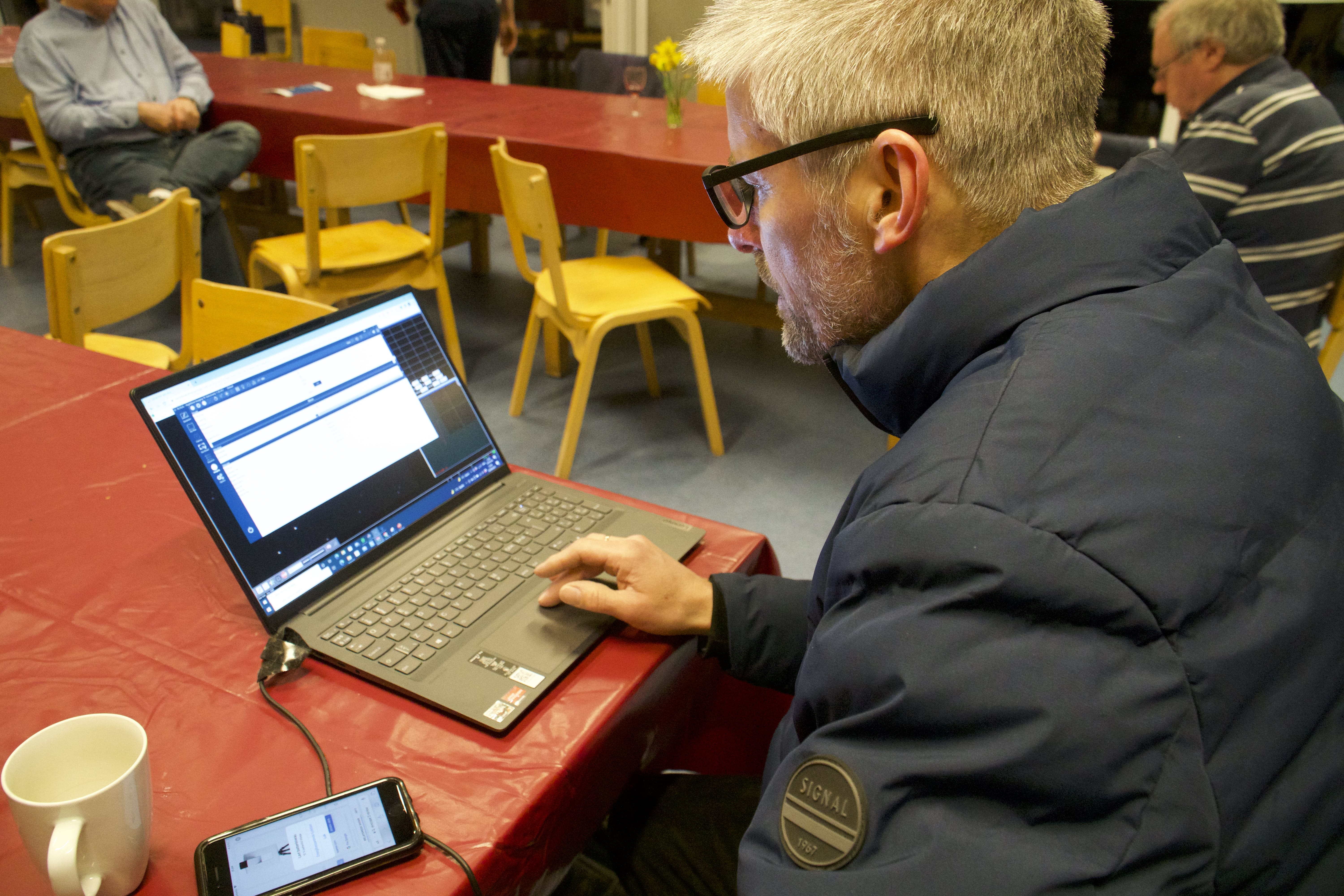
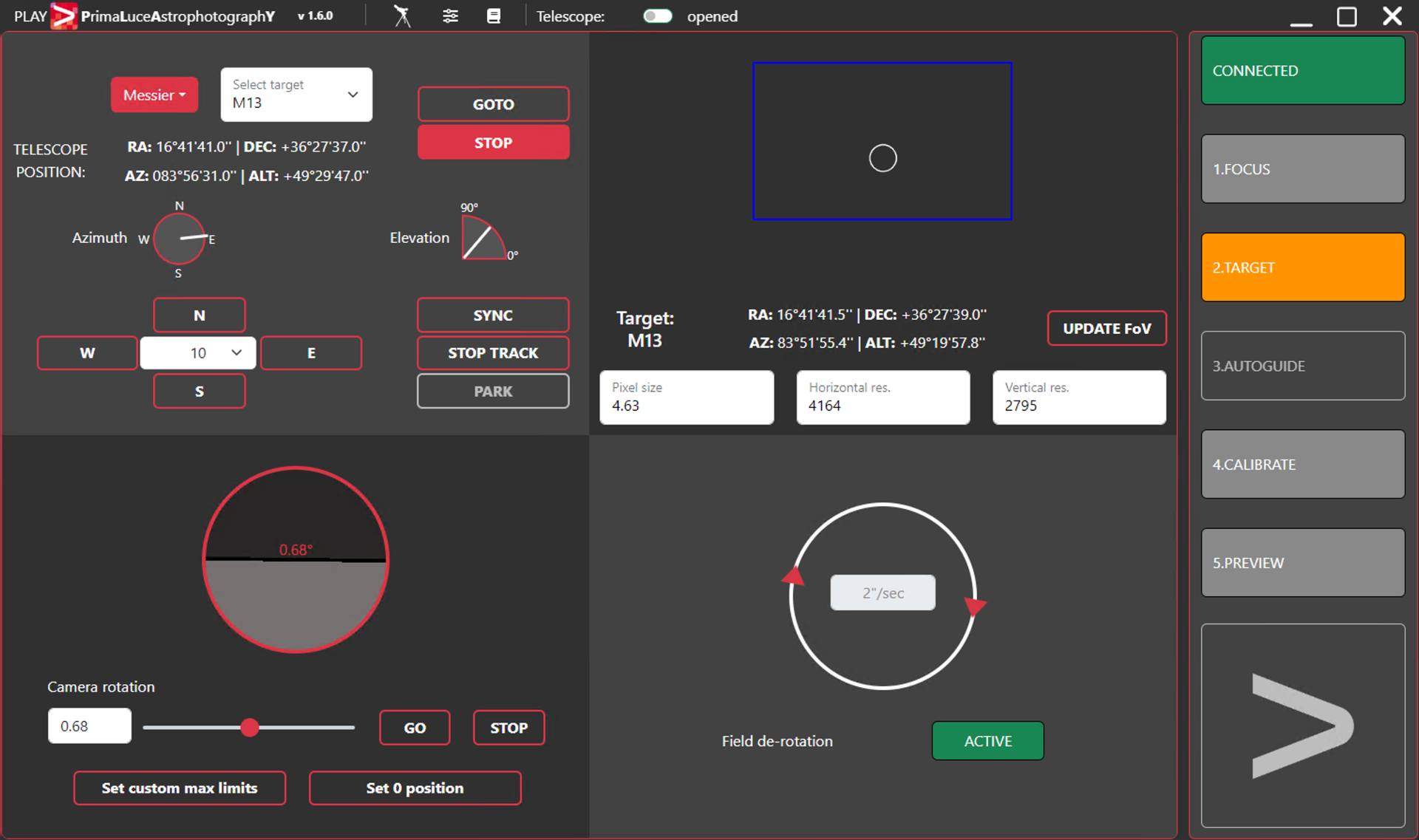
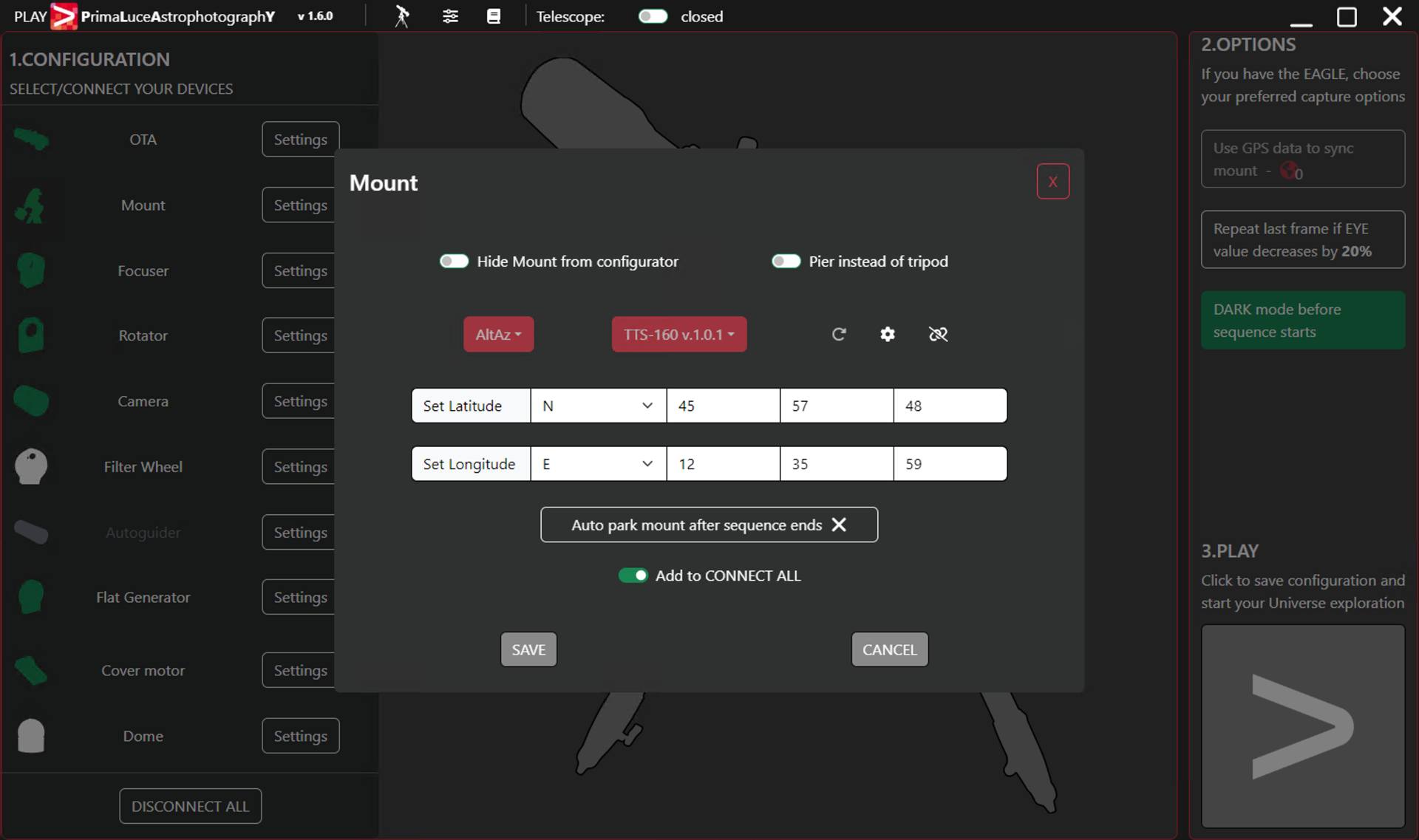
Ascom driver 356 works best with firmware release 356.
With the latest ASCOM driver, it is now possible to track satellites and perform a complete alignment directly from a connected PC or phone app. This functionality requires firmware version 355 or later to be installed on the mount. Please note that satellite tracking also requires the use of ASCOM Platform 7.0.
A new Park Function feature has been added so the mount now can be parked to a set position directly from connected apps.
Any TTS-160 Panther Mounts bought from Track The Stars will automatically come with the latest firmware. But as we keep improving and expanding the TTS-160 Panther Telescope Mount’s features, we will be updating the firmware. These firmware updates can be found here.
Send us an email to get the correct firmware for your TTS-160 Panther Telescope Mount.
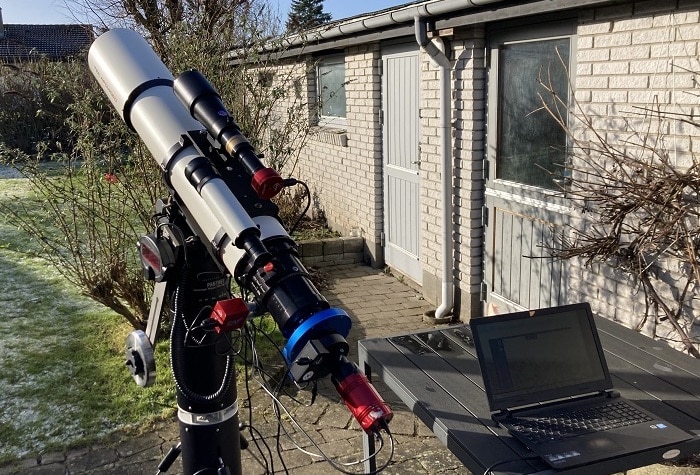
356 Release (Aug. 2025) Automatic goto selected alignment stars
The mount will slew directly to the selected alignment star. The telescope must be pointing at the horizon in south (AZ 180, ALT 0) when the mount is powered up. Based on this the mount can slew to the selected alignment stars.
The automatic goto can always be cancelled by pressing the right handpad button.
356 Release (Aug 2025) Goto the SUN possible
It is now possible to have the mount slew to the sun after accepting a Warning Screen.
356 Release (Aug. 2025) Custom Park location
It is possible to set a custom Park Location.
In the handpad this is done from the setup menu. The mount is manually slewed to the wished position that is saved.
The Park location can also be input in ALT, AZ coordinates in the Ascom interface.
356 Release (Aug 2025) Improved Ascom Interface
The ASCOM Interface has been improved. The ASCOM driver can now work as a server and allow more apps to connect without the need for Ascom Device Hub.
The interface has generally been improved and stabilized.
NOTE: ASCOM Platform 7.0 or newer is needed.
355 Release (Oct. 2024) - Satellite tracking capability
This firmware release improves the way the motors in the mount are controlled. New ASCOM functionality has been added making it possible to track satellites smoothly across the sky. This functionality works together with the app SkyTrack.
Read the article Have your telescope track the Space Station and thousands of other satellites.
355 Release (Oct. 2024) - Alignment directly from PC or SkySafari
It is now possible to align the mount by using the synchronize/align function available in many PC astronomy applications and some Phone apps.
This can be used for one-, two- or three-star alignment.
Read the article on how to use Skysafari with your Panther Mount here:
Effortlessly Align and Control Your Panther Mount with SkySafari on Your Mobile Device
354 Release (Jan. 2024) - Instant alignment when powering up the mount
When the mount is powered up an instant alignment is calculated based on the geographical location and time-date. The alignment is based on the telescope being horizontal and pointing towards south.
Procedure:
The mount is now aligned and can make a goto any target and track. The accuracy depends on the levelling of the Pier and how precise the telescope is pointing at AZ=180, AL=0.
The instant alignment is replaced by a real star alignment as soon as it is made.
354 Release (Jan. 2024) - Display minutes before rOTAtor rewind is needed
The Handpad can now display the available tracking minutes on the rOTAtor before it must be rewound.
Set the displayed coordinates to “Field rotation”. The coordinates displayed on the right is the number of minutes available before the rOTAtor needs rewinding. The format is: xxxm. The number is calculated by a new algorithm, giving precise numbers all over the sky.
If the rOTAtor is switched off the coordinate will display OFF.
354 Release (Jan. 2024) - Displays max. sub exposure time before field rotation is visible
The display can now show how many seconds a single sub exposure can last before field rotation becomes an issue when not using a rOTAtor. This feature can be helpful when doing EAA.
Select coordinate system “Field rotation” to get the number displayed as the left coordinate. It is shown in seconds and is continuously calculated based on the object position.
354 Release (Jan. 2024) - Longitude input updated
The Handpad now handles the longitude input according to modern GPS trackers. Western longitudes are negative and eastern longitudes are positive.
352 Release - Automatic rOTAtor rewind
This new feature allows automation with software like Sequence Generator Pro, NINA, or other astronomy apps. The mount can slew to a target, centre precisely via plate-solving, and take subs for around 30-180 minutes. When making a go-to to the same target, the rOTAtor will automatically rewind, after which you can take more subs. When wished a new target can be selected. Everything is orchestrated from your PC.
352 Release - Smart rOTAtor rewind
When doing a go-to either from the handpad or through the ASCOM interface the Telescope rOTAtor will rewind to the optimal side giving the longest possible tracking time. Until now the rOTAtor has slewed to the central position but improved functionality of the Smart rewind algorithm has changed this.
351 Release - Tracking while aligning
To make it easier to centre the alignment stars, tracking has been enabled after the first alignment star has been chosen. For a better alignment, first align roughly on the first star. Then after tracking has been enabled redo the first alignment star precisely in the eyepiece/camera.
351 Release - Park and automatic alignment functions
The Park function through the Ascom interface has been updated. It is now possible to Park the mount via the Handpad and Ascom. If the mount has been parked in the previous observation run the last alignment will be automatically loaded.
351 Release - Ascom guiding and slewing
Guiding can now be done through Ascom either with slew commands or pulse guide commands. The handling of slew guide commands, both types of Ascom guiding, and guiding via an ST4 cable connection has been improved.
350 Release - Moon goto
The moon has been added to the “Planets” list in the goto menu. Functionality as any other goto.
350 Release - Horizontal position start
The telescope must be in an approximately horizontal position when powering up the mount.
350 Release - Cable Protection
A function has been added that only allows the mount to turn one full turn in Azimuth. Here is a description of the principle:
When cable protection is off the mount will always make the shortest go-to an object. This means the mount can turn unlimited in Azimuth.
When cable protection is on the mount will never rotate more than a half turn in AZ in either direction from the starting (power up) position. This avoids the risk of twisting cables. Before reaching the movement limit a warning will be given on the handpad. When the limit is reached the mount stops and the user must manually slew away from the stop position.
350 Release - Lunar and solar tracking
It is now possible to switch between sidereal, lunar and solar tracking rates. This can be done manually or automatically based on the go-to target.
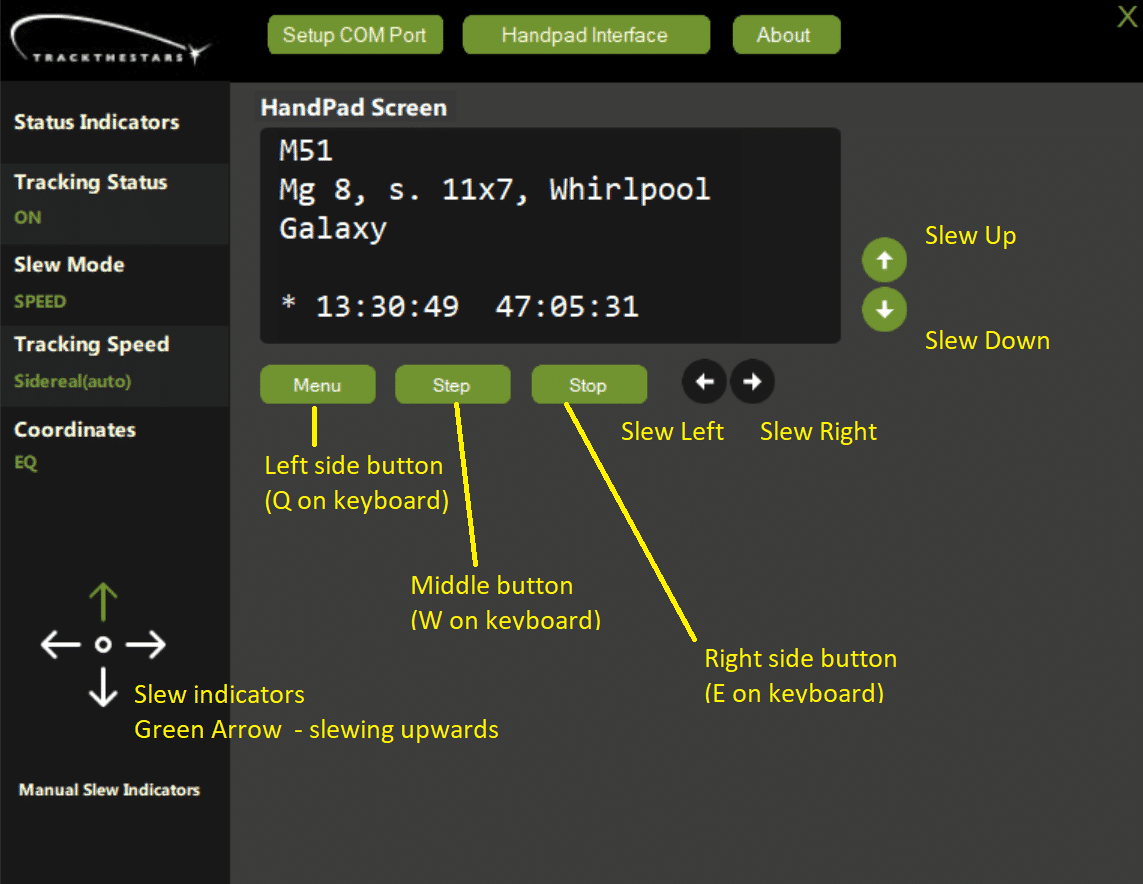
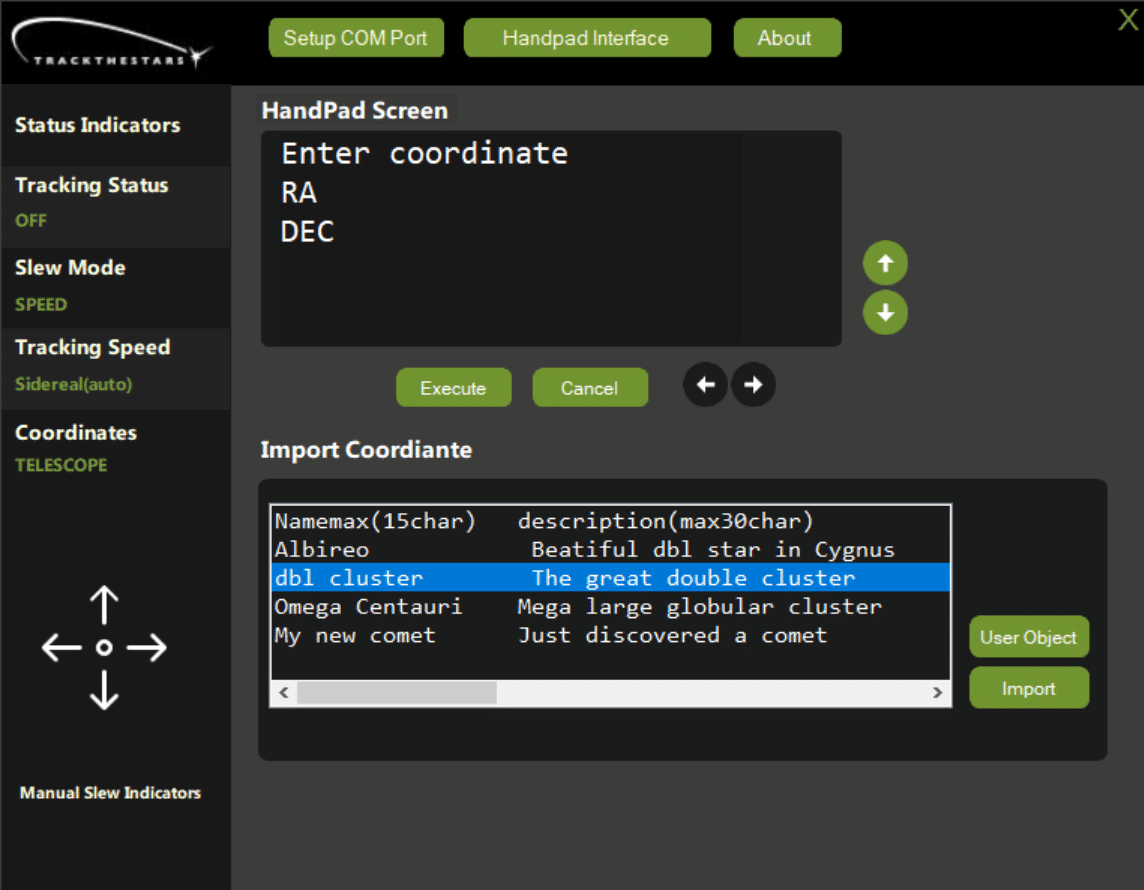
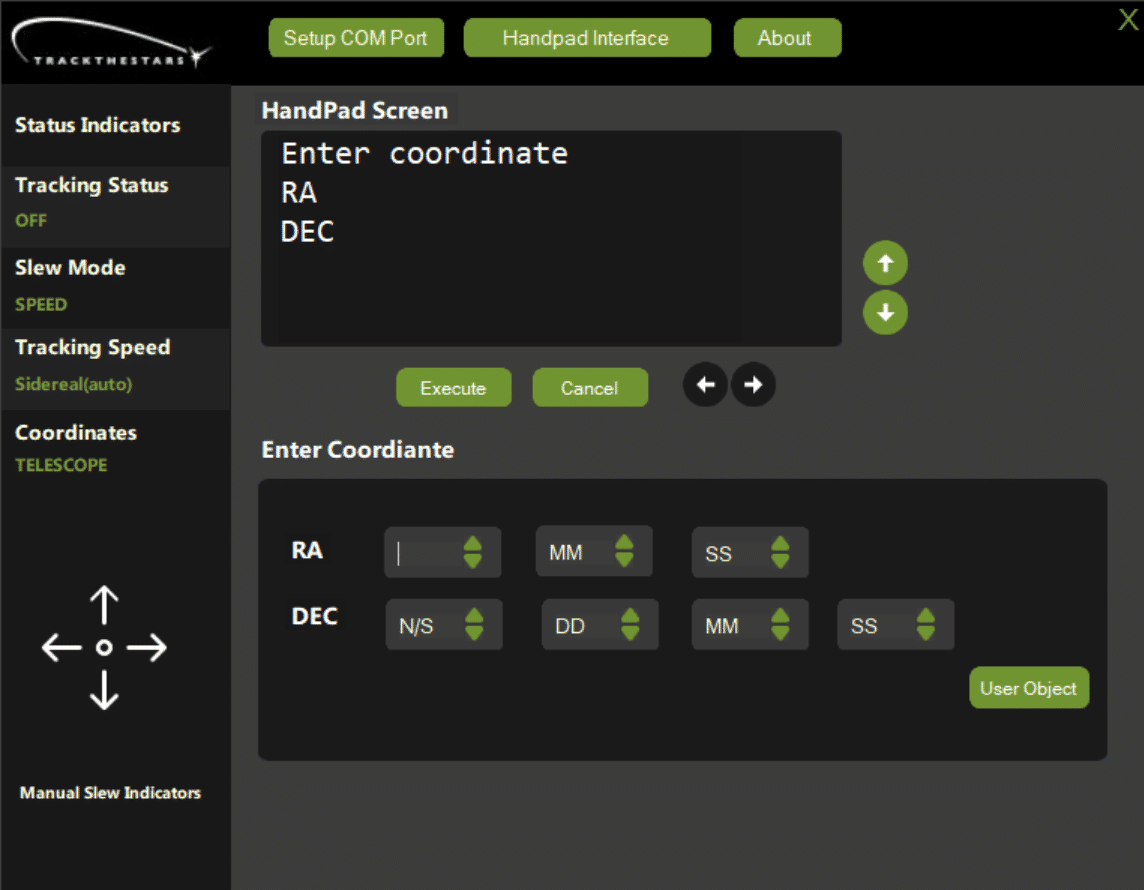
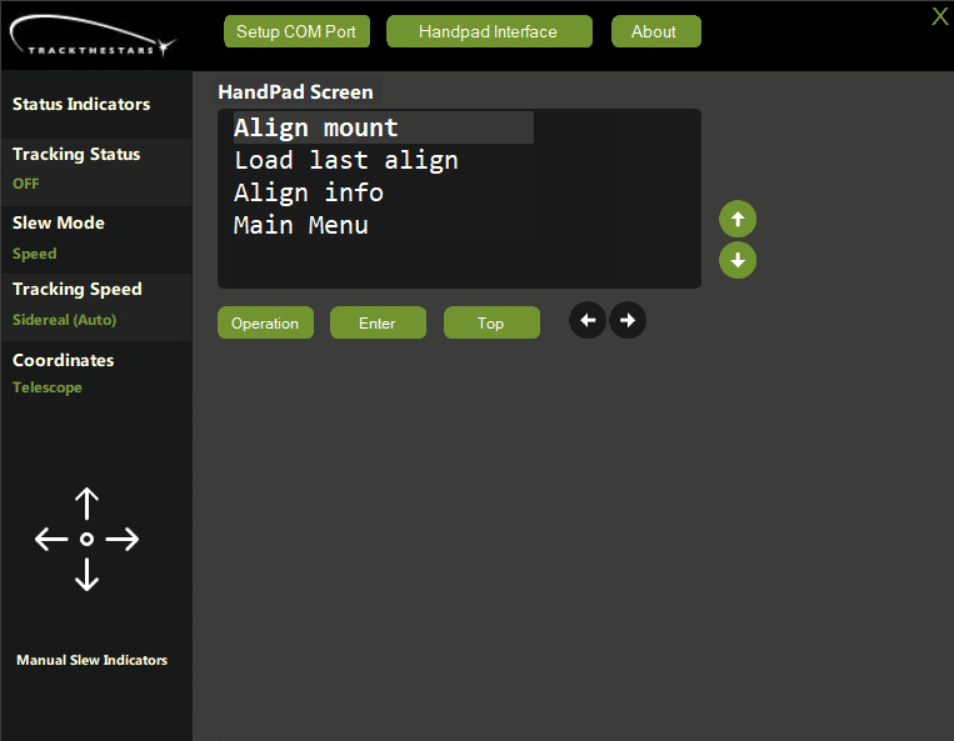
This new Windows application will create an emulated handpad on your PC. It can do everything a physical handpad can while giving you complete remote control of the mount.
The new application runs on Windows (version 8, 10, 11). No installation of the app is needed.
A special cable is needed to connect the HP port on the mount head to a USB port on the PC.
Track The Stars is a Danish telescope mount producer, with 20 years of experience. The telescope mounts are designed and handbuilt in Denmark, made of high-quality materials. The mounts include the TTS-160 Panther Pro, TTS-160 Panther Lite, and the TTS-160 Panther Original.